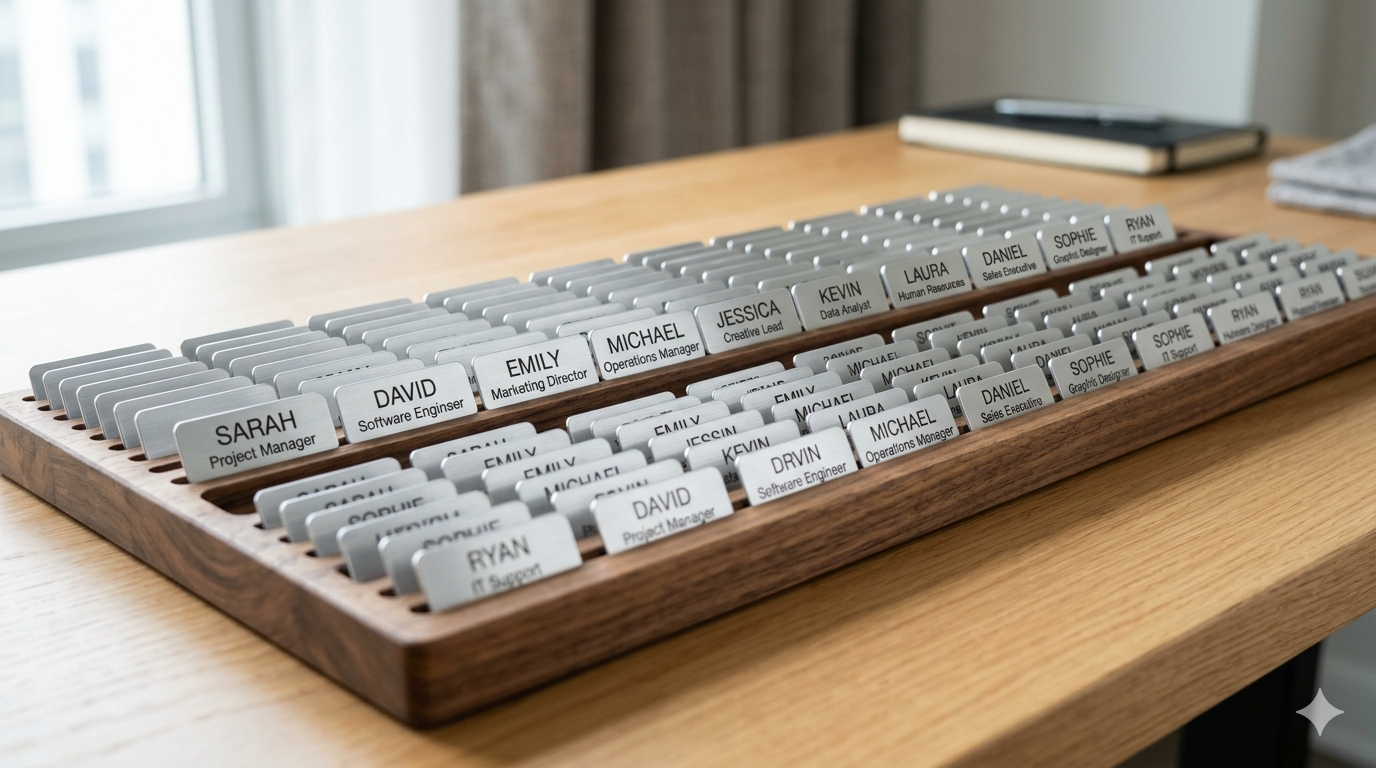

Ordering 25 personalized name tags is a 20-minute task. Ordering 250 the same way is a workday lost — and a workday during which the order accumulates typos that show up at production. The right way to order at scale is a CSV import. Here’s the workflow that works.
Build the CSV with three columns
At minimum: first_name, last_name, title. Optionally add department for color-coding, pronoun for inclusive name tags, and tag_size if your team uses different sizes per role. Save as UTF-8 CSV from Excel, Google Sheets, or any database export. Most HR systems and payroll platforms can export this format directly.
Clean before you submit
Three checks save the most embarrassment. First, capitalization: name fields should be Proper Case (Sarah, not SARAH or sarah) — most CSV exports inherit whatever was typed in HR. Second, special characters: accented letters, hyphens, and apostrophes need to be in the source file (it’s much harder to add them after print). Third, role spelling: “Concierge” / “Front Desk Manager” / “Sales Associate” — make sure the title field reads the way you want it on the badge. Run a sort and skim for outliers.
What the import does at production
Each row in the CSV becomes one personalized tag. The print system pulls the layout you approved (logo, font, color), drops in the row’s first_name, last_name, and title, and outputs print-ready files. A 250-row CSV becomes 250 individual tag files, each personalized, ready for sublimation.
Common gotchas
Trailing whitespace in cells (looks fine in the spreadsheet, prints as a weird gap). Mixed encoding (CSV from one system, edited in another, special chars become garbage). Different name lengths (Maximilien Saint-Jean takes more horizontal space than Bo Lee — pick a font size that handles your longest name without truncating). Order desk-side review before production: get a PDF proof of all 250 tags as a single document and skim for visual outliers.
Reorders are easier with the CSV on file
The biggest reason to use a CSV is the next time. Six months from now when 30 new people have started, you don’t re-type the whole list. You add the new rows to the same CSV, mark the departed staff, and re-submit. The supplier reuses the layout you approved, swaps in the new names, ships within a week.
What to ask your supplier
Confirm three things before you commit: do they accept CSV import (some smaller suppliers want individual orders), what’s the per-tag pricing at 100/250/500 units, and what’s the proof-and-revision process. The best suppliers send you a digital proof of all tags as a PDF before production starts; weaker ones print first and ask questions after.
The math at scale
250 name tags ordered manually: 4-5 hours of typing plus another hour fixing typos that surface at proof. Same 250 from a CSV: 30 minutes preparing the file, 5 minutes uploading, 15 minutes reviewing the PDF proof. The CSV path saves a workday on the first order and an hour on every subsequent one.
If your team is over 100 people and you order tags more than once a year, the CSV workflow is the only sane way to do this.
GET A QUOTE